Affordable Electronic Signature Software
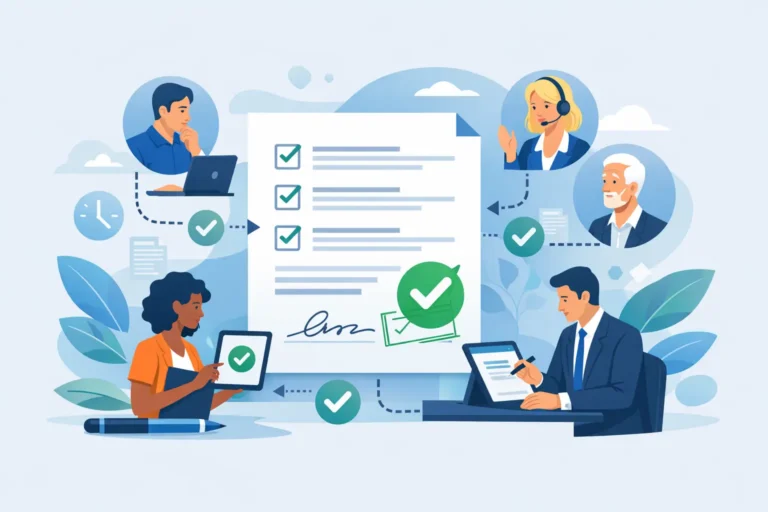
A contract that waits three days for a signature is not merely an administrative inconvenience. It can hold up a new hire, delay a sale or leave a supplier relationship in limbo. Affordable electronic signature software should remove that friction without forcing a small business to accept unclear legal status, weak security or a pricing model that becomes expensive as document volumes grow.
The lowest monthly price is rarely the whole story. For European businesses, the useful question is whether a platform gives the right people a practical signing process, a defensible audit trail and the appropriate level of assurance under eIDAS – at a cost that remains predictable as the team expands.
What affordable electronic signature software should include
Affordability is about the total cost of completing a document workflow, not simply the figure on a plan page. A tool can appear inexpensive until it charges for additional senders, envelopes, templates, team members or higher-assurance signatures. Those charges matter quickly for HR teams issuing employment documents, finance teams collecting approvals or operations teams managing supplier contracts.
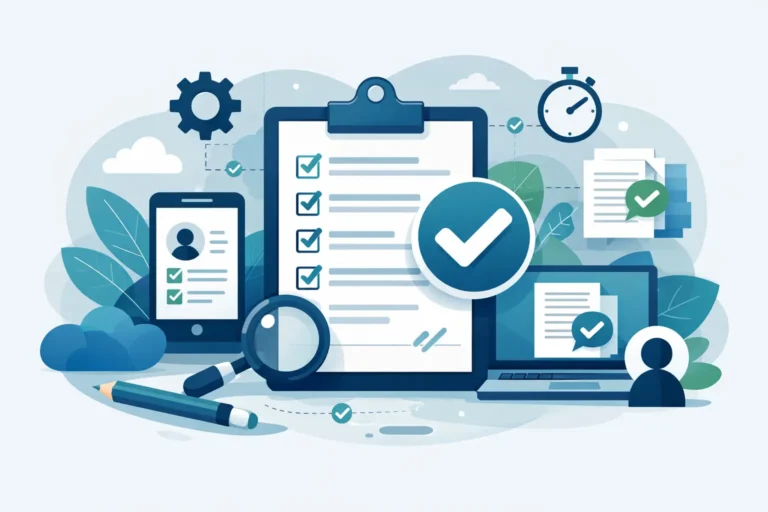
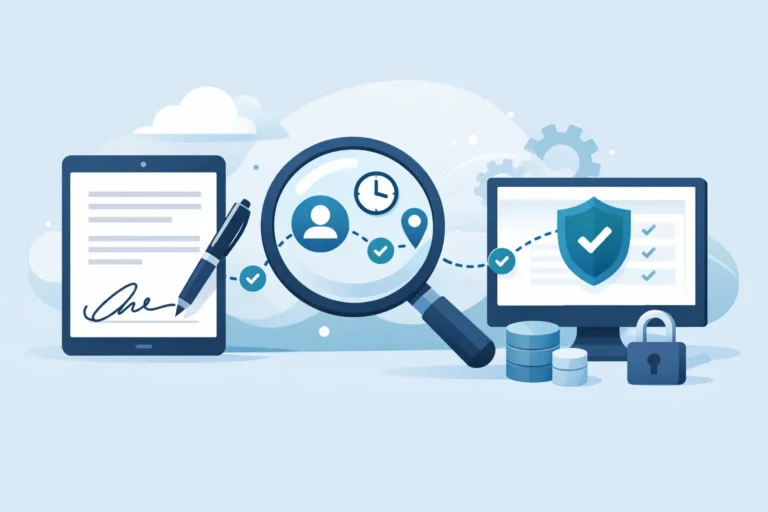
At a minimum, a business signing platform should let users upload and prepare documents, add signing and data fields, invite recipients, monitor status and retain a clear record of what happened. The record should show key events such as when the document was sent, viewed and signed, along with the relevant authentication and completion details. This audit trail is central to resolving later questions about a document, rather than an optional extra to add after a dispute arises.
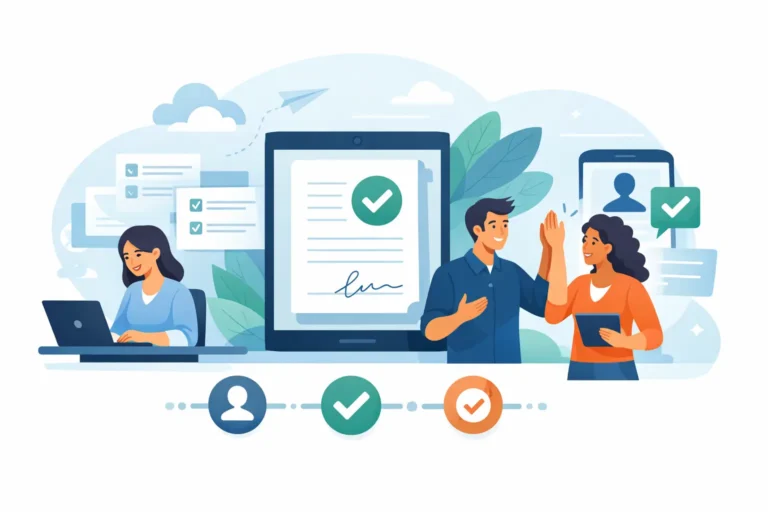
Recurring paperwork should not be rebuilt from scratch. Templates allow a team to prepare standard agreements, onboarding packs, consent forms or order documentation once, then send them repeatedly with the correct fields already in place. Signing sequences are equally valuable where a manager must approve before a director signs, or where several parties must act in a defined order.
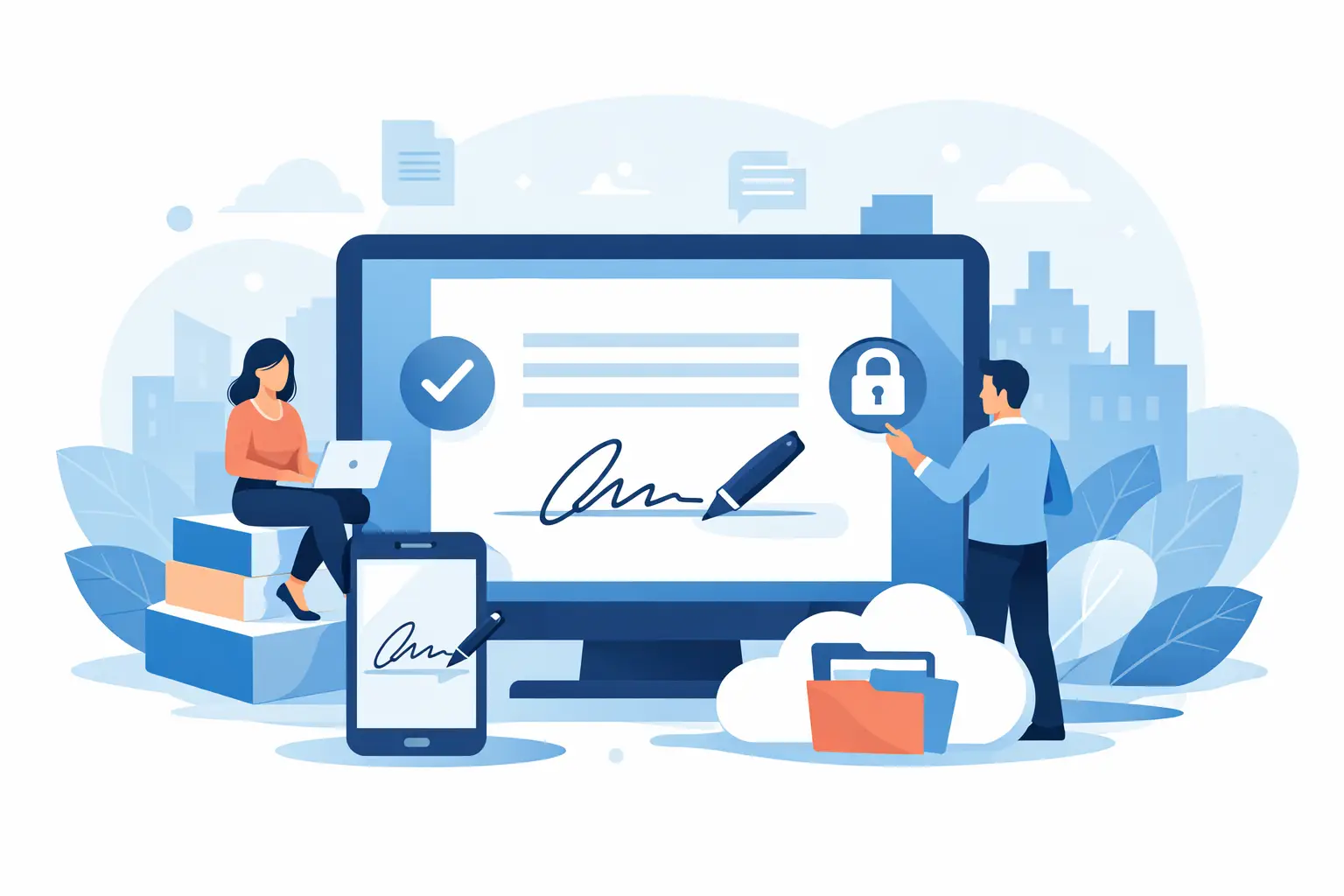
For document-heavy teams, practical organisation also has a direct cost benefit. Searchable records, clear ownership and status tracking reduce the time spent asking whether a document has been returned or where the final version was saved. A platform that supports the whole process – sending, signing, tracking and storing – can be better value than several disconnected tools.
Price matters, but signature assurance matters more
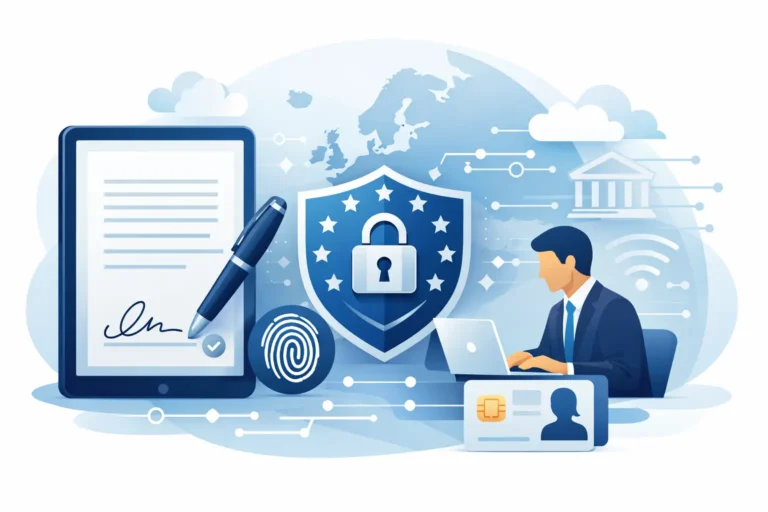
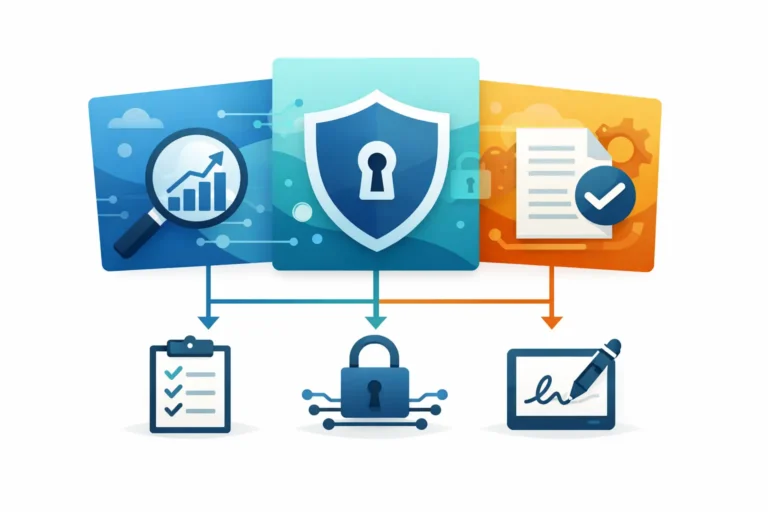
Not every document needs the same type of electronic signature. eIDAS, the EU framework for electronic identification and trust services, distinguishes between Simple Electronic Signatures (SES), Advanced Electronic Signatures (AES) and Qualified Electronic Signatures (QES). Choosing well means paying for assurance where it is needed, rather than treating every document as either low-risk or highly regulated.
SES for straightforward, lower-risk agreements
An SES can be appropriate for many routine business documents where the parties and context provide sufficient evidence. A basic signing action, supported by an audit trail, may be suitable for internal acknowledgements, standard confirmations or lower-risk commercial paperwork.
That does not mean an SES is automatically the right choice. The consequences of the document, the likelihood of a challenge and the need to identify the signer should shape the decision. A low-cost platform that offers only basic signatures may create a gap when a team later needs stronger evidence.
AES for stronger evidence without per-use surprises
An AES is designed to offer a closer connection between the signer and their signature, with safeguards that help identify changes to the signed document. For many business workflows, it provides the balance of assurance and usability that routine contracts, approvals and HR documentation require.
This is where pricing needs close attention. Some providers treat advanced signatures as a premium, metered feature. That can make costs difficult to forecast for a growing team. A service such as Asignu, which includes unlimited Advanced Electronic Signatures in its subscription model, can make regular use of stronger signing workflows more commercially practical.
QES when the highest level is required
A QES has the equivalent legal effect of a handwritten signature across all EU member states. It requires a qualified certificate and must be created using a qualified signature creation device. It is the appropriate choice where a legal requirement, counterparty policy or risk assessment calls for the highest assurance level.
QES is not something to buy indiscriminately. It can involve identity verification and additional steps for the signer, so using it for every routine document may slow the process and increase cost. The more sensible approach is to use QES for the workflows that genuinely require it, while retaining AES or SES for suitable everyday documents.
Look beyond the advertised subscription
When comparing plans, calculate the cost of a real month of work. Consider how many people need to send documents, how many documents are sent, whether several colleagues need shared access and whether each signing journey involves multiple recipients. A platform with a low starting fee may be less affordable once it limits envelopes or charges separately for essential features.
Ask whether the following are included or treated as upgrades:
- Advanced signature use and completed document storage
- Templates, reminders, signing order and reusable workflows
- Audit trails, status visibility and team permissions
- API access, single sign-on, identity verification and QES services
Not every business needs every capability on day one. A five-person consultancy may only need templates and signing status, while a growing payroll provider may require detailed permissions, identity checks and an API for its client portal. The point is to see the upgrade path before the workflow becomes dependent on the software.
There is also a human cost to feature bloat. Enterprise products may contain extensive configuration options, but a small team can lose time learning features it will never use. The better fit is often software that handles the core workflow clearly, while leaving higher-assurance services and technical integration available when the business is ready for them.
European compliance is part of the value equation
For organisations handling employee records, client agreements and financial information, data location and privacy practices are commercial considerations as well as legal ones. GDPR compliance depends on how personal data is handled across the organisation, not on a single software claim. Still, a provider that hosts data in the EU and is designed around European requirements can simplify supplier reviews and internal governance.
Check where documents and audit information are stored, how access is controlled, what happens when a user leaves the business and whether the provider can support appropriate retention policies. Team permissions should reflect real responsibilities: an HR administrator may need to send employment paperwork, while a finance colleague may only need visibility of approved supplier documents.
It is also worth distinguishing legal validity from evidential strength. Electronic signatures cannot be rejected solely because they are electronic under eIDAS, but the evidence required to defend a transaction can vary by document and circumstance. A well-designed workflow captures the right details at the time of signing instead of relying on someone to reconstruct the process months later.
Make sending faster without making checks weaker
The most affordable system is one employees actually use correctly. Start by identifying the two or three document flows that consume the most effort: perhaps employment contracts, client engagement letters and supplier agreements. Turn each into a template, define who sends it and set the required signing order.
Then decide the signature level for each workflow with input from the people responsible for legal, compliance or risk decisions. This avoids a common mistake: giving every user a tool but leaving them to decide the assurance level themselves. Clear internal rules are quicker for staff and more defensible for the organisation.
Artificial intelligence can help with document preparation when it is used as an assistant rather than a substitute for review. Automatic field detection can identify likely places for names, dates and signatures, while automatic signature detection can speed up the preparation of standard documents. The sender should still check field placement, recipient details and signing order before sending. Fast setup is useful; sending a contract with a signature field on the wrong page is not.
Finally, measure the outcome. Track how long documents remain outstanding, where recipients abandon the process and which teams repeatedly create documents outside the approved workflow. These practical signals reveal whether the software is reducing administration or merely moving it elsewhere.
Affordable electronic signature software earns its place when it gives a growing business certainty without enterprise overhead. Choose the level of signature assurance deliberately, insist on clear pricing and build repeatable workflows around the documents that keep your organisation moving.