Small Business E-Signature Guide
A contract is ready to go, but it sits in someone’s inbox for three days because the signatory is travelling, the PDF needs printing, or nobody is sure whether a scanned signature is enough. For small teams, that delay is more than an irritation. It slows sales, hiring, onboarding, approvals and cash flow. That is exactly why a small business e-signature guide matters – not as a tech trend, but as a practical way to keep documents moving with legal certainty.
For European businesses, the real question is not whether e-signatures are useful. It is whether the signing process is legally valid, proportionate to the document, easy for staff to use, and sensible on cost. Many platforms make this harder than it needs to be. They either oversimplify compliance or bury basic tasks under enterprise-heavy features that small businesses do not need.
What a small business e-signature guide should help you decide
If you run a growing business, you do not need a lecture on digitisation. You need clear answers to a few operational questions. What kinds of documents can you sign electronically? Which level of signature is appropriate? How do you prove who signed and when? Where is the data stored? And can your team actually use the system without training sessions and workarounds?
A good e-signature setup should reduce friction, not shift it elsewhere. Replacing a printed signature with a click is only part of the job. You also need document tracking, reliable audit evidence, orderly storage, and a repeatable process for contracts, approvals and recurring forms.
That is where many small businesses get caught out. They buy on price alone, then discover advanced signatures are charged per use, compliance options are unclear, or document workflows become messy once more than one signer is involved.
Start with the legal baseline, not the interface
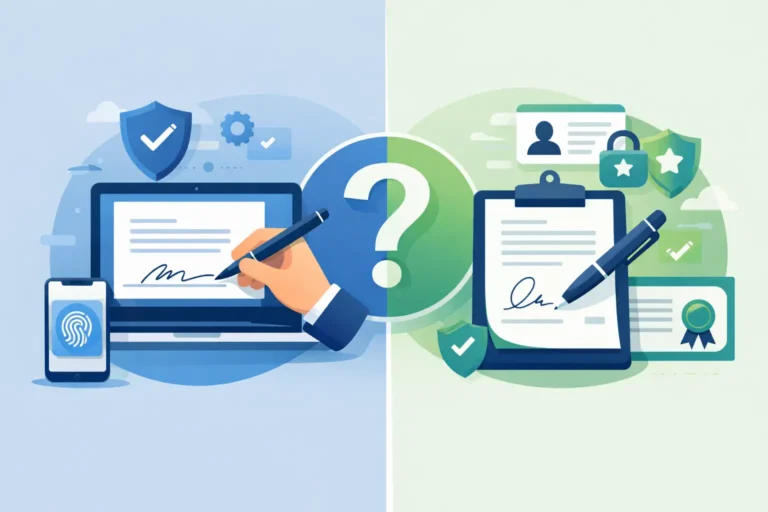
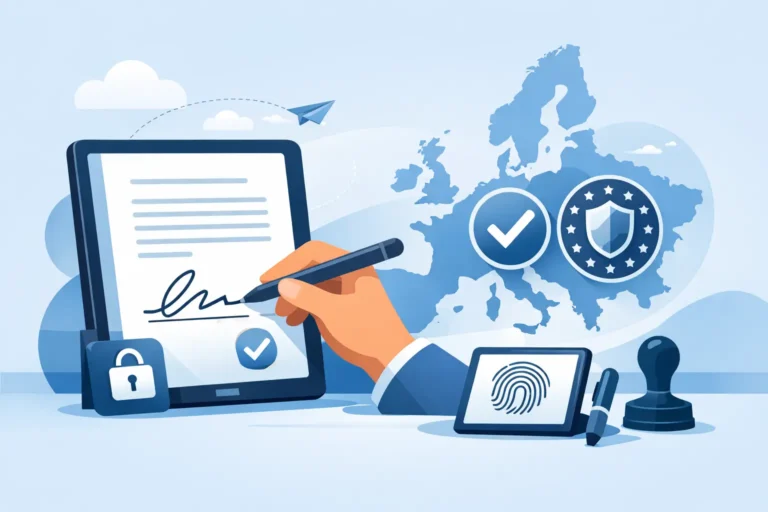
In Europe, e-signatures sit within the eIDAS framework. That matters because it gives businesses a legal basis for electronic signatures across EU member states. But eIDAS is not a single signature type. It distinguishes between SES, AES and QES, and those differences affect both risk and process.
SES, AES and QES in plain language
A Simple Electronic Signature, or SES, is the broadest category. It can cover basic forms of electronic agreement, depending on the context and the evidence behind it. For lower-risk internal approvals or straightforward acknowledgements, SES may be entirely suitable.
An Advanced Electronic Signature, or AES, provides a stronger link between the signer and the signature. It is designed to offer better identity assurance and tamper evidence. For many small businesses, AES is the practical middle ground. It gives stronger legal and evidential value than a basic click-to-sign flow without forcing every document through the most stringent process.
A Qualified Electronic Signature, or QES, sits at the highest assurance level under eIDAS. It is used where stronger identity verification and a qualified certificate are needed. Not every document requires QES, and treating every agreement as if it does will slow your team down and increase costs. But for certain regulated or higher-risk workflows, it can be the right choice.
The point is not to choose the highest level every time. It is to match the signature type to the document and the risk.
Which documents usually need more than a basic signature?
It depends on your sector, your jurisdiction and the consequences if a signature is challenged. An employment offer sent by a small company, a supplier agreement, a client services contract and an internal approval may not all need the same level of assurance.
HR teams often need a dependable process for contracts, policy acknowledgements and onboarding packs. Finance teams may need traceable approvals for payment instructions or commercial agreements. Legal and compliance stakeholders usually care less about how elegant the signing screen looks and more about whether there is an audit trail, signer authentication, and evidence that the document has not been altered.
This is why a one-size-fits-all platform can become expensive or risky. If the tool only supports very basic signing, it may not meet your compliance expectations. If it pushes every workflow towards the highest-assurance route, you may end up paying for friction.
What small businesses should look for in an e-signature platform
The first requirement is legal clarity. If your business operates in Europe, the platform should clearly support eIDAS-compliant workflows and explain the difference between SES, AES and QES without vague marketing language.
The second is data handling. GDPR considerations are not a side issue, especially for HR, finance and legal documents. You should know where documents are hosted, who can access them, and how retention and deletion are managed. For some organisations, EU-only hosting is not just a preference. It is part of procurement, internal policy or client expectation.
The third is evidence. A signed PDF on its own is rarely enough if a document is disputed later. You need audit trails, timestamps, status history and a clear record of who received, viewed and signed the file.
The fourth is workflow control. Many small businesses are not sending one-off documents. They are sending the same types of paperwork every week. Templates, signing order, reminders, shared access and organised document storage make a bigger difference over time than flashy extras.
The fifth is pricing logic. This is where buyers should be sceptical. A low entry price can hide expensive charges for advanced signatures, extra sends, verification steps or team features. If your business regularly uses higher-assurance signatures, per-use pricing can become a real budget problem.
Why workflow matters as much as the signature itself
Small businesses usually feel the pain of document handling before they feel the pain of legal theory. Someone sends the wrong version. A manager forgets to countersign. The finance team cannot see whether a supplier agreement is complete. HR stores signed contracts in three different folders. None of this sounds dramatic, but together it creates delay and avoidable risk.
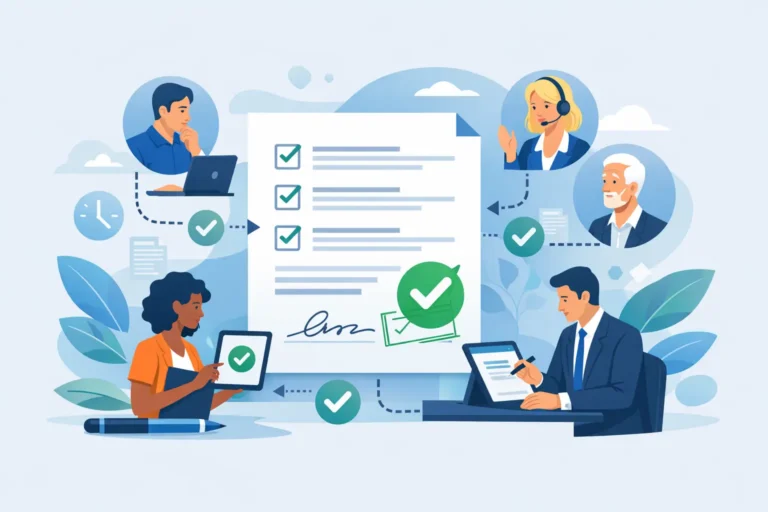
An effective e-signature platform should bring order to the full document journey. That means preparing documents quickly, placing fields without manual fuss, sending them to the right people in the right sequence, tracking progress, and storing completed files in a structured way.
AI-based field detection can help here, particularly for teams handling large volumes of standard documents. The same goes for reusable templates. If you send the same contract pack every week, rebuilding it each time is wasted effort. A better process turns routine documents into a controlled workflow rather than a repeated admin task.
A practical way to choose the right setup
Start by listing the document types your business sends most often. Do not begin with platform features. Begin with the paperwork itself: sales contracts, employment documents, NDAs, approvals, engagement letters, supplier forms, client onboarding packs.
Then group them by risk and complexity. Which are simple and frequent? Which involve multiple signers? Which may need stronger identity assurance? Which are sensitive from a GDPR perspective? This exercise usually reveals that you do not need the same signing method for everything.
Next, look at who owns the process internally. If HR, finance and operations all handle documents differently, your real problem may be inconsistency rather than lack of software. A useful platform gives each team enough structure to work quickly without creating separate systems and disconnected records.
After that, test usability with a real document, not a polished demo. Send an actual offer letter, services agreement or approval form through the process. See how long preparation takes, whether signers understand what to do, and whether the completed document is easy to retrieve later.
Finally, check the commercial model against your normal usage. For example, if your business needs advanced signatures regularly, a platform that includes unlimited AES can be far more predictable than one that charges extra each time. That is particularly relevant for growing teams that want compliance depth without enterprise complexity. This is one of the areas where a European-first platform such as Asignu can make practical sense for document-heavy businesses.
Common mistakes to avoid
The first mistake is assuming all electronic signatures carry the same legal weight. They do not. The second is overbuying – choosing an enterprise tool that is expensive, hard to adopt and cluttered with features your team will never touch.
The third is underestimating data location and compliance requirements. If your clients, regulators or internal policies care about EU data handling, this should be checked before procurement, not after rollout.
The fourth is treating e-signature as a standalone feature instead of part of document operations. Signing is one moment in a wider process. If templates, tracking, collaboration and storage are poor, your team will still lose time.
A sensible small business e-signature guide does not tell every company to buy the same tool or use the same signature level. It helps you build a process that fits the documents you handle, the risks you carry and the pace your team needs. Get that right, and signing stops being a blocker and becomes one less thing to chase.